
POS System – What Is It and How Does It Differ from a Fiscal Cash Register?
How do you meet rising market demands when customers expect personalisation and a seamless blend of the online and offline worlds, while managers need quick data access to react efficiently? The solution lies in POS systems, which are becoming a crucial component of every store.
 Blog
Blog
Share:
How do you meet rising market demands when customers expect personalisation and a seamless blend of the online and offline worlds, while managers need quick data access to react efficiently? The solution lies in POS systems, which are becoming a crucial component of every store. Discover why a standard fiscal cash register is far from enough today to maintain a competitive edge.
Key Takeaways
- A traditional fiscal cash register primarily serves to record sales and maintain proper tax records, whereas a POS (Point of Sale) system is versatile, intelligent software and hardware used for comprehensive business management.
- Robust IT architecture, integrating e-commerce, POS systems, and loyalty programs, allows for efficient data collection and monetisation.
- POS systems facilitate building personalised shopping experiences (e.g., through a digital shelf), seamlessly connecting the physical environment with online sales.
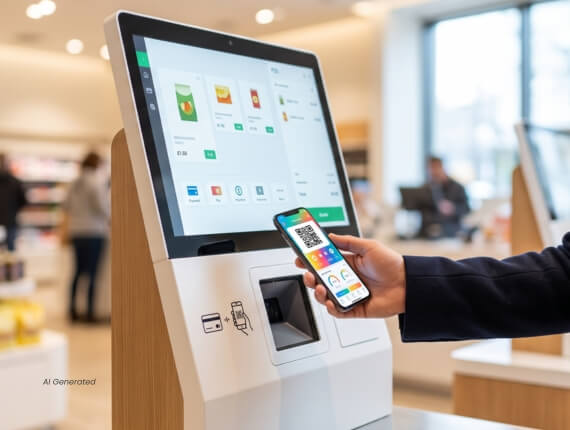
- Modern customer touchpoints, such as self-checkout kiosks integrated into the POS system, are now important advertising media (In-Store Retail Media).
What does POS system mean?
A modern POS (Point of Sale) system is a comprehensive, integrated hardware and software environment. It is not just used to finalize transactions but acts as the command center for in-store operations. It consists of software (often cloud-based) and physical peripheral devices. The POS infrastructure can include cashier touch monitors, barcode scanners, payment terminals, as well as self-checkout (SCO) kiosks and interactive kiosks.
Solutions offered by Exorigo-Upos demonstrate that a dedicated POS system includes over a dozen narrow modules designed for comprehensive transaction processing, regardless of the business scale. The system controls inventory levels, handles returns, integrates with terminals (e.g., via innovative Cloud EFT), and ensures proper information flow.
Fiscal Cash Register vs. POS Software – Differences
Simply put: every operation performed on a fiscal cash register is the end of a process. The register records the product, totals the due amount, and prints a receipt, satisfying legal fiscal recording requirements. However, it is a closed environment. A fiscal cash register typically won’t automatically connect to your online store, update your first-party customer data database, or send a notification to the manager about decreasing stock on the shelf.
A POS system views the transaction as the beginning of value creation. A fiscal device, such as an advanced fiscal printer (like the FP20 Online PRO line manufactured by Exorigo-Upos), is in this model just one of many peripherals connected to the central computer. The POS system manages it just as it manages a loyalty code reader, an electronic scale, or an invoicing system.
Role in Omnichannel Strategy and Information Management
The biggest challenge for modern brands is no longer launching an e-store, but effective integration with physical locations. Customers do not divide your company into an online store and a mall store – they expect consistency. That is why the POS system must be linked to the data environment.
Checkout software should pull flawless product data in a fraction of a second, aided by Product Information Management (PIM) systems, such as PIMBox. When a customer uses a mobile app in-store, the POS communicates with the cloud, identifies the shopper, and presents personalised promotions based on their online and offline order history. Such IT integration and process automation is the only path to generating additional revenue.