
Store Checkout System – Which Functions Are Essential?
Scaling a business from a single salon to an extensive network of retail points is an operation that quickly verifies the performance of IT architecture. The more brick-and-mortar stores and e-commerce transactions you handle, the more you need a tool that ensures operational continuity and total control over information flow. Find out what functions a store checkout system should have.
 Blog
Blog
Share:
Scaling a business from a single salon to an extensive network of retail points is an operation that quickly verifies the performance of IT architecture. The more brick-and-mortar stores and e-commerce transactions you handle, the more you need a tool that ensures operational continuity and total control over information flow. Find out what functions a store checkout system should have.
Key Takeaways
- A modern checkout system must be the foundation of an omnichannel strategy, seamlessly merging data from the e-commerce platform, mobile apps, and physical stores.
- The collection and processing of first-party data through close integration with loyalty programs is an essential function.
- Advanced checkout software should work with PIM systems (e.g., PIMBox) to ensure product information consistency at every stage of the sale.
- Flexibility in price management is important – the system must support hybrid environments, simultaneously supporting Electronic Shelf Labels (ESL) and traditional paper printouts (e.g., through the Shelf Edge tool).
Core Functionalities of a Modern Checkout System
When choosing software for retail outlets, you must move beyond thinking solely in terms of “product registration.” This platform must be responsible for a whole array of operations spanning IT, accounting, and marketing. Look at which functions are necessary in the system.
Extensive Omnichannel Ecosystem
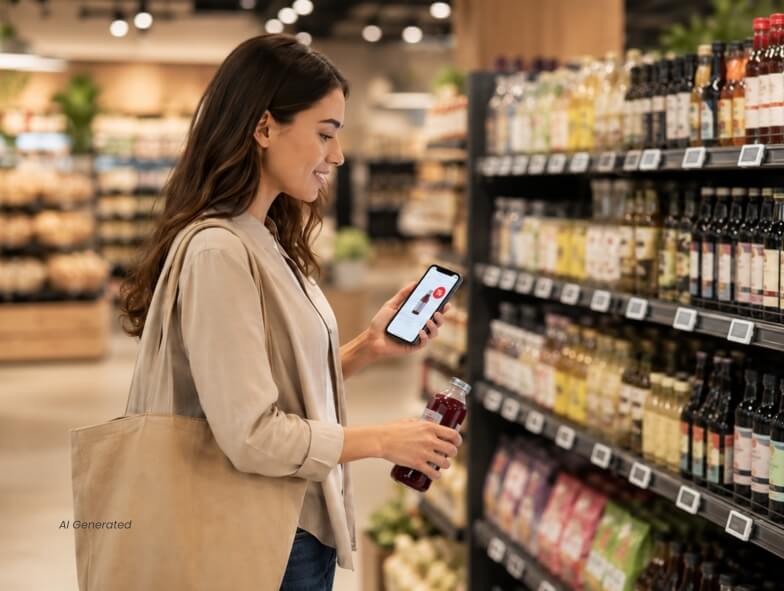
The system must seamlessly blend online shopping with in-store shopping. When a customer adds a product to the app, the system must remember it when the customer appears in the physical store. In turn, checkout and analytical systems must collaborate to immediately offer the customer relevant discounts.
Support for Digital Receipts and KSeF
Modern POS is responsible for immediate fiscalization of online sales. The system (such as SmartOrder or E-PARAGON+ from Exorigo-Upos) issues e-receipts and e-invoices without the need to print them, significantly speeding up customer service.
Data Integration and Flexible Price Management from Shelf to Checkout
Modern sales systems must automate price management and guarantee that the amount on the receipt is always identical to the one on the store shelf. This requires seamless integration of checkout software with central tools, such as Shelf Edge.
The software allows managers to manage a hybrid model from a single, transparent panel. As a result, retail chains can optimise costs: they introduce Electronic Shelf Labels (ESL) where prices change most frequently (e.g., in the fruit and vegetable department), leaving traditional paper tags on products with long expiration dates.
Consequently, the store gains operational flexibility, protects its margins, and customers avoid unpleasant surprises at checkout. However, this flexibility must go hand in hand with full consistency across all channels. Product information in self-checkout (SCO) kiosks or apps must always match e-commerce data – advanced solutions like PIMBox are responsible for this level of synchronization.